
What your client actually experiences.
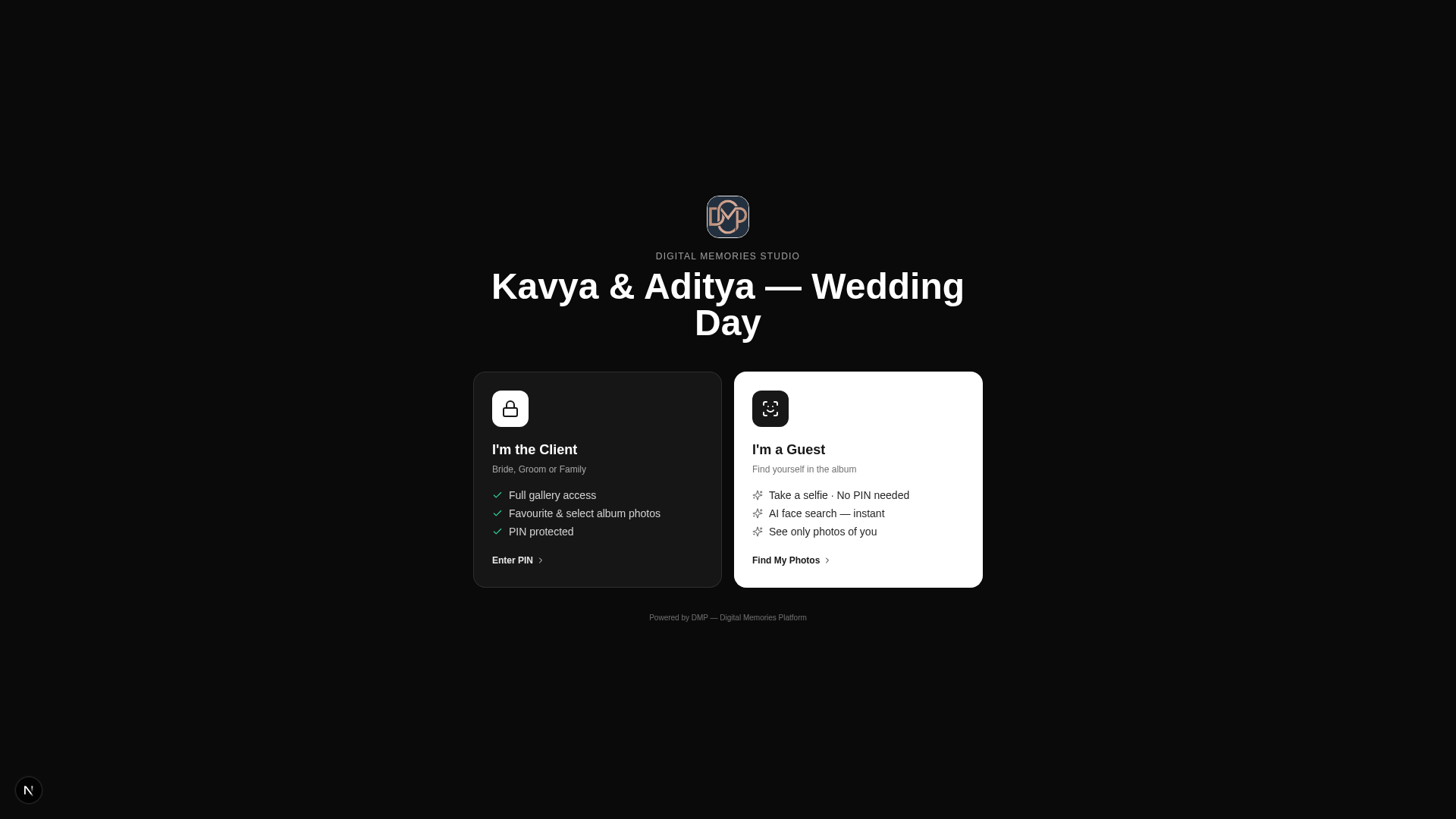
A structured, mobile-friendly portal where your clients complete their event details, view galleries, select favourites, approve album spreads, and track delivery — in one secure place, from any device.
From invitation to delivery.
Six stages your client goes through — each designed to reduce friction for them and reduce follow-up work for you.
Receive the invitation
When a booking is confirmed, your client gets a secure link and PIN. No account setup, no password reset flows — one link, one PIN.
Complete event details
The client fills in venue timings, family contacts, must-shoot moments, dress code, and special guests — structured, searchable, and always up to date.
View galleries
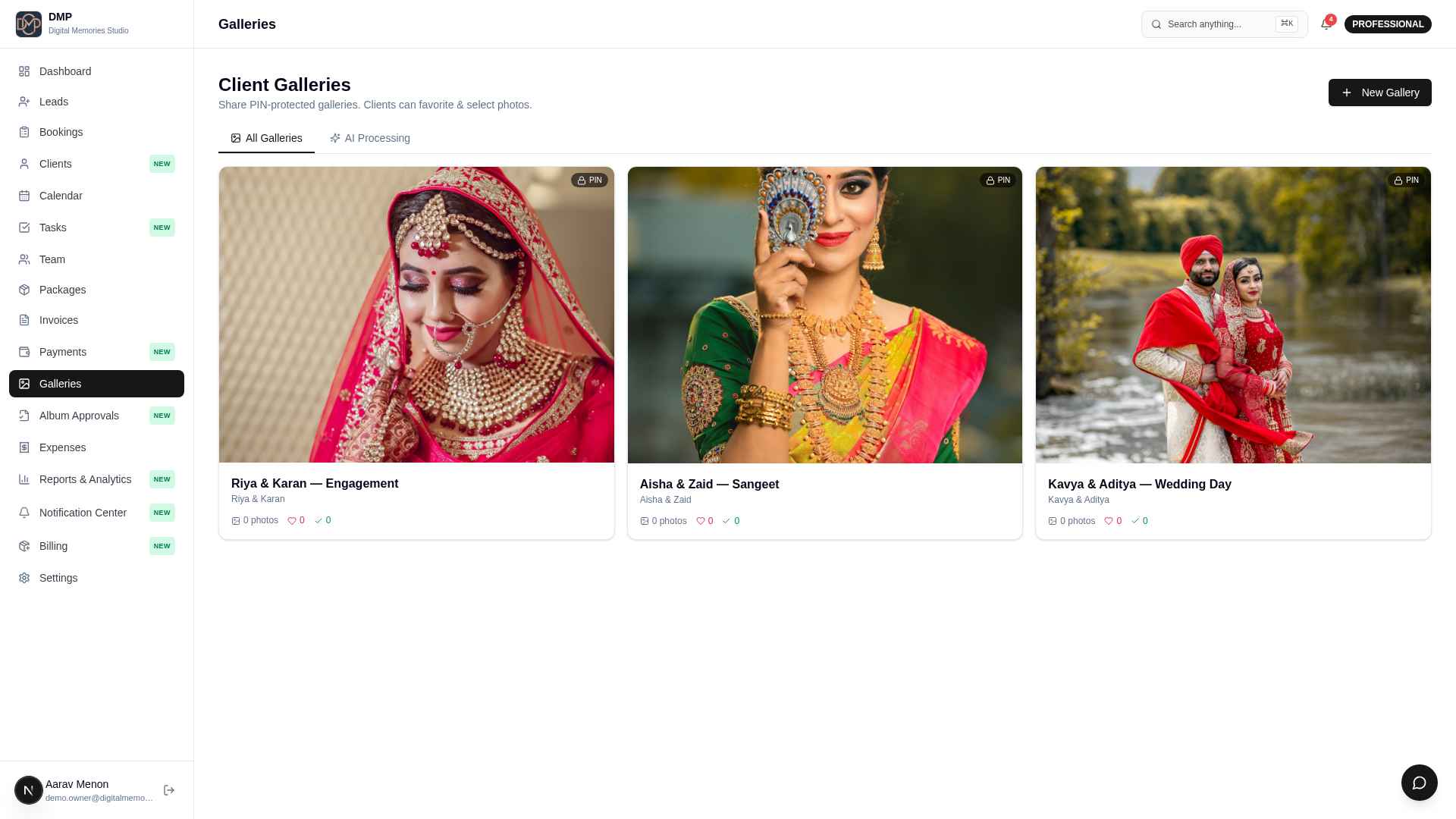
Deliver PIN-protected galleries the moment editing is done. Watermarks stay until payment clears. Downloads only when you enable them.
Select favourites
Clients mark their favourites and add notes. Selection targets remind them to hit the album spread count you agreed on.
Approve album spreads
Album designers publish spreads to the portal. Clients approve, request changes, or mark specific spreads for revision.
Track delivery
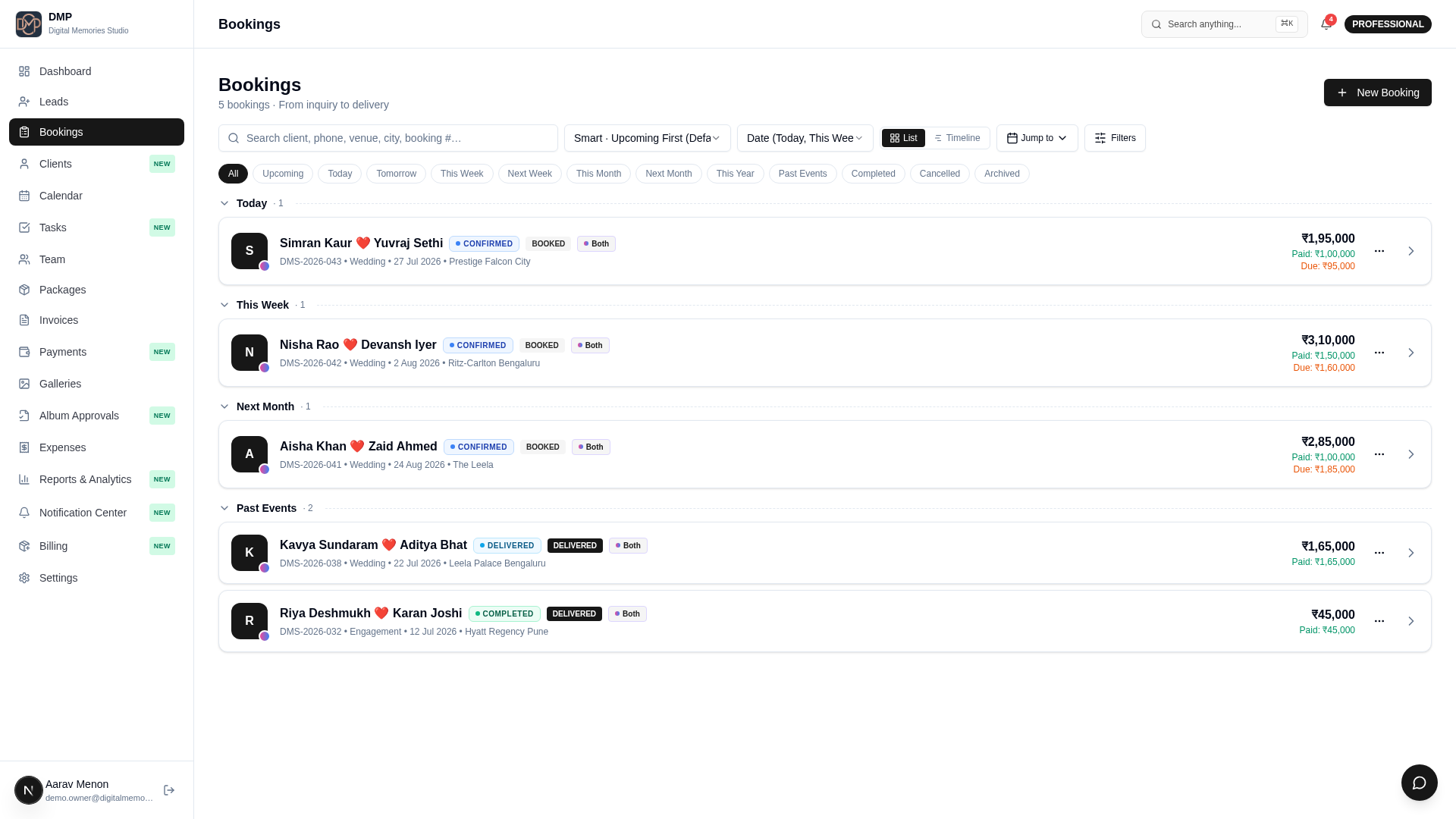
A single timeline shows every milestone: shoot complete, edit in progress, gallery live, album approved, package shipped. Both parties see the same source of truth.
Less manual follow-up. Better data.
- Structured intake replaces WhatsApp chaos
- Selection and approval decisions captured in one place
- Payment status visible without asking
- Fewer "any update?" messages — clients see progress themselves
- One source of truth from booking to delivery
Simple. Mobile. Secure.
- One link and PIN — no accounts to create
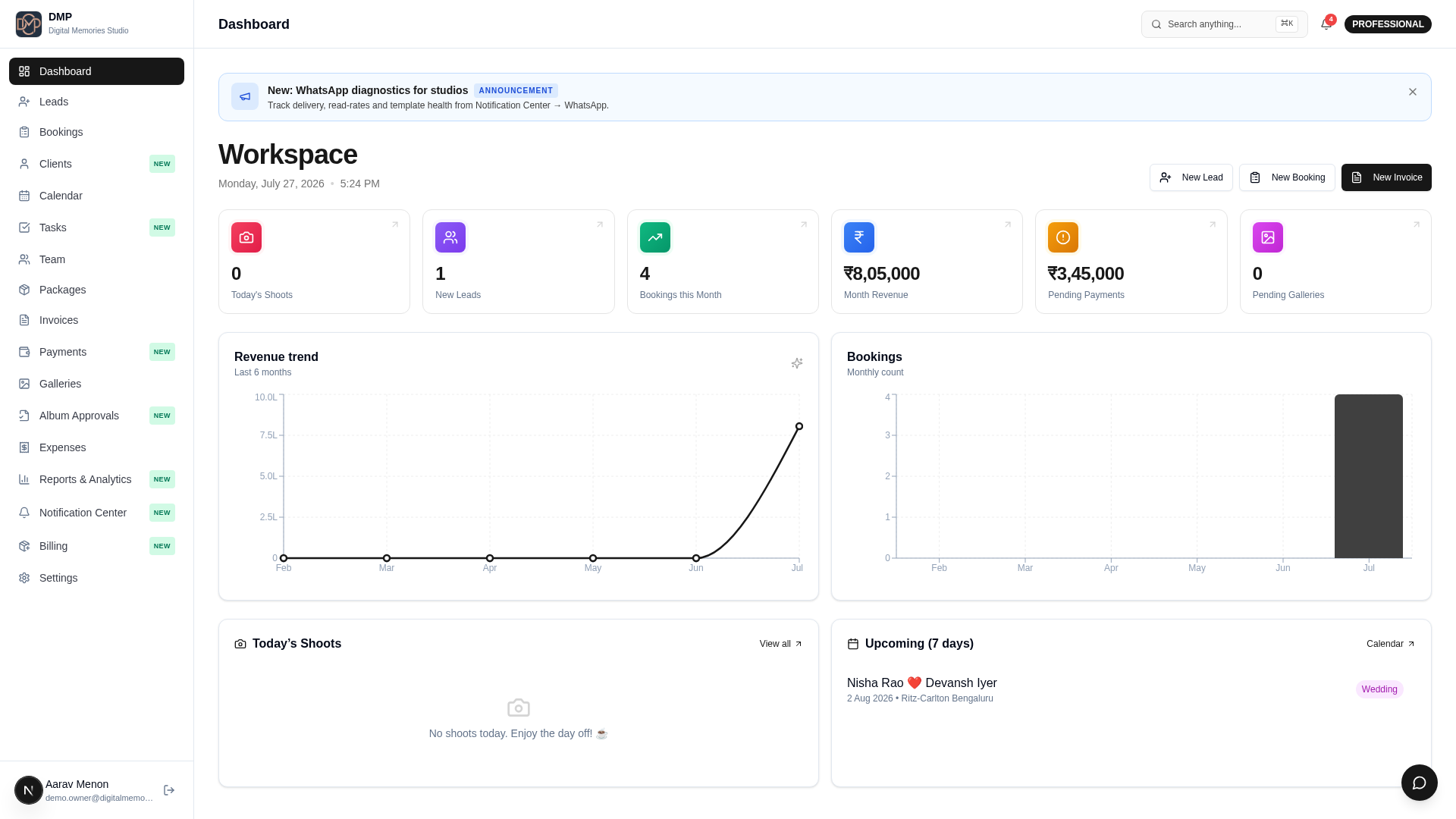
- Everything on one screen — bookings, galleries, invoices
- Optimised for mobile — most clients open on phone
- Real-time visibility into delivery status
- Secure by default — PIN protected, expires when project closes
Run your entire wedding media business from one platform.
Everything you need to manage clients, projects, AI, galleries, teams, finances, automation, and business operations—connected in one intelligent platform.